Within a single morning, a potential customer DMs your Instagram asking about pricing. Someone comments on your LinkedIn post with a real question. A YouTube viewer says they tried your service and loved it. A TikTok user asks if you ship to Canada. Someone replies to a tweet with a complaint.
Five messages. Five platforms. Five apps, each with its own notifications and its own way of replying.
Now multiply that by every day of the week and every account your team runs. That is the reason I built Sydium's unified inbox. This post walks through how it works, where it beats checking each app by hand, and how the AI and lead-scoring layers turn messages into outcomes.

The multi-platform inbox problem
The scale of this surprises people. The average person is active on 6.8 social platforms a month. Your audience is not on one platform. They are on all of them, and they expect to reach you wherever they happen to be.
Two facts make that a problem. First, 73% of social media users say they will switch to a competitor if a brand does not respond on social. Not "might consider." Will switch. Second, managers juggling this many platforms report feeling overwhelmed, and Blogging Wizard found managers lose over two hours a week just hopping between platform apps.
So customers want fast replies everywhere, and replying everywhere by hand stops being possible past a certain volume. A unified inbox is what closes that gap. (Two adjacent features pull on the same problem: the content calendar keeps you ahead of what is going out, and Autopilot handles what gets published in the first place.)

What the inbox actually looks like
Open Sydium's inbox and you see one stream: every comment, DM, reply, and mention from every connected platform in a single chronological list. It is not a firehose. Here is how it is held together.
Thread-based. Every interaction is grouped into a thread. A comment and your reply is one thread. Three Facebook messages in a row is one thread. You see the full history with each person, not isolated messages floating in a feed. Each thread is color-coded by platform, so you never have to wonder which app a message is on before you read it.
Search and filtering. Filter by platform (only Instagram, or only LinkedIn and X), by status (unread, archived, responded), by date, and by client account for agencies running multiple brands. Free-text search runs across every message, so the person who asked about pricing last week is one query away.
Unread tracking. Each unread thread shows a badge count, and a single total appears on the inbox icon across the whole app. That one number replaces the notification badges on eight separate apps. When it hits zero, you are caught up everywhere.
Archive, bulk actions, and spam filtering. Spam, emoji-only reactions, and auto "thanks for following" messages get archived with one click instead of deleted, so they stay searchable. Spam sensitivity is set per platform, since Instagram and TikTok attract more noise than LinkedIn or YouTube.
Manual sync. Just published a post and want the first comments now? Hit sync and Sydium pulls the latest from every connected platform without waiting for the next cycle.
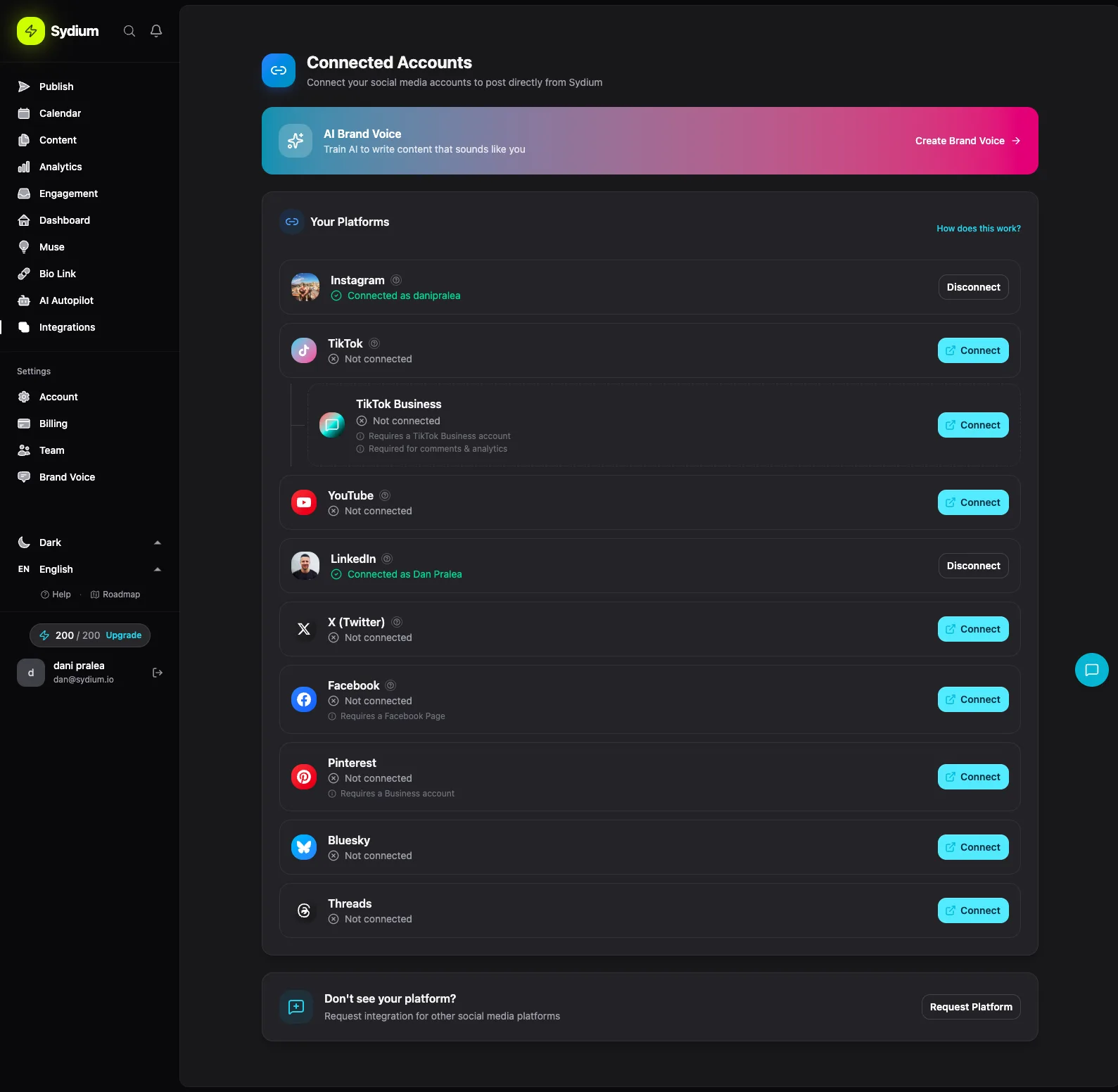
Platform coverage
| Platform | What flows in | Reply from Sydium |
|---|---|---|
| Comments + DMs (real-time webhooks) | Yes | |
| Comments + messages (real-time webhooks) | Yes | |
| X (Twitter) | Replies + mentions | Yes |
| YouTube | Comments | Yes |
| Comments | Yes | |
| Threads | Comments | Yes |
| Bluesky | Comments + replies | Yes |
| TikTok | Comments | Read-only (API limit) |
Instagram and Facebook arrive within seconds through webhooks. The rest sync on a schedule. TikTok's API lets you read comments but not reply through third-party tools, so those are view-only, but you still see what people are saying without opening the app.
That is eight platforms in one view. For context, Hootsuite's unified inbox covers Facebook, Instagram, WhatsApp, LinkedIn, X, and TikTok, and Agorapulse, widely held to have the best social inbox going, covers a similar range. Sydium matches or exceeds the coverage of tools that charge $49 to $249 a month for inbox features alone.
AI reply suggestions
This is where the inbox goes past what most tools offer. Open a thread and you can request an AI-drafted reply that is tuned to your brand, not generic.
It works on two inputs. Sydium's AI is trained on your brand's communication style, so a casual brand gets casual drafts and a formal brand gets formal ones. And it reads the full thread before drafting, so it can tell a pricing question from a complaint from a compliment and matches the reply to that.
When the draft appears, you send it with one click or edit it first. Most people edit the first few to nudge the tone, then trust it more as it learns. Each suggestion costs 5 tokens, included in your plan, so the AI is never a surprise line item.
Why bother getting fast and consistent at this? Buffer's research shows that posts where creators reply to comments see meaningfully higher engagement: 42% on Threads, 30% on LinkedIn, 21% on Instagram. The faster and more consistently you reply, the more the algorithm rewards you with reach. Most AI inbox tools are either standalone products like Respond.io or Intercom or locked behind enterprise pricing. Sydium puts the drafts in the same inbox where you already manage everything else.
Lead management: the CRM you did not know you needed
Most inbox tools stop at replying. Sydium treats every person who messages or comments as a potential lead, because some of them are. The trick is telling the browser apart from the buyer, and Sydium tracks that automatically.
Engagement score (0 to 100). Each person who interacts gets a score that rises with frequency (a weekly commenter beats a one-timer), recency (recent counts more), depth (a DM thread beats a single emoji), and cross-platform activity (someone who follows on Instagram and comments on LinkedIn is more engaged than either alone). At a glance, you know who your most engaged followers are.
Lead stages. Sydium sorts people into Hot (high, recent engagement, asking about pricing and features, likely to convert), Warm (regular engagement, needs nurturing not a hard sell), Cool (sporadic likes, awareness but no active interest), and Cold (followed once, gone quiet).
Intent detection. The AI classifies each incoming message: purchase intent ("how much does this cost?"), questions ("does this work on Android?"), complaints, praise, pain points ("so tired of switching between apps"), and competitor mentions ("is this better than Buffer?"). Each type suggests a different action. Purchase intent routes to sales. A complaint escalates to support. A competitor mention is a conversion opening, so you answer with specifics.
This is the same idea behind B2B lead scoring, where machine learning ranks prospects by likelihood to buy, applied to your social conversations instead of a forms-and-CRM stack.
Full history and notes. Click a lead and you see their complete cross-platform timeline: every comment, DM, and reply, in order. Add tags ("agency owner," "referred by Sarah"), internal notes your team sees and the lead does not, and a record of outreach. When someone DMs to buy and you can see they asked detailed LinkedIn questions last month, you handle that very differently from a cold inquiry. No copy-pasting handles into Salesforce and hoping you remember the context.
Lead limits scale by plan: 50 on Free, 1,000 on Pro, 10,000 on Agency, unlimited on Enterprise.
How Sydium compares
The honest version: most people just check each app by hand. Open Instagram for DMs, TikTok for comments, LinkedIn for notifications, X for mentions. That works with one account and low volume. It breaks the moment you run multiple accounts or get more than a handful of messages a day, because the context-switching tax is real. NapoleonCat found that getting response time under ten minutes sharply improves satisfaction and conversion, which is close to impossible while cycling through six apps.
Against the paid tools, the split is consistent: they are strong inboxes, but the inbox is the whole product, and lead management and AI replies cost extra or do not exist.
| Tool | Starts at | The gap vs. Sydium |
|---|---|---|
| Hootsuite | $99/mo | No lead management or AI replies in the inbox |
| Agorapulse | $49/mo | Best-in-class inbox, but standalone; no built-in lead CRM or brand-voice AI |
| Sprout Social | $249/mo | Enterprise-grade, enterprise-priced; CRM-lite features are paid add-ons |
| Pallyy | $15/mo | Budget option; no AI replies, lead scoring, or intent detection |
Sydium's edge is not a better inbox in isolation. It is that the inbox, lead CRM, brand-voice AI, content calendar, and publishing live in one platform, so the conversation and the pipeline never live in separate tools. Where the others genuinely win: Sprout's approval workflows and listening are deeper than ours, Agorapulse's automated inbox rules are more mature, and if all you want is a clean shared inbox with no CRM, Pallyy does it for a third of the price. If you already run a real CRM you are happy with, or you only manage one account, a unified inbox is overkill and you should skip all of this. Sydium is for people running several accounts who are tired of stitching tools together. For more on the broader question, see how to manage multiple social accounts.
I make Sydium, so this is not a neutral review. Pricing and platform coverage were checked against public vendor pages and may have changed.
Your first ten minutes
- Connect your accounts. Instagram and Facebook use webhooks, so messages appear instantly. The rest sync on a schedule.
- Set spam filtering. Start with the defaults, then adjust per platform after a few days.
- Train your brand voice. Upload past replies or describe your tone. This is what lifts AI drafts from generic to accurate.
- Start responding. Use AI drafts where they help, manual replies where they do not, and archive handled threads.
- Review leads weekly. Check the dashboard once a week: follow up on hot leads, nurture warm ones, and watch for patterns in what people keep asking.
Every message sitting unread in your DMs, every ignored LinkedIn comment, every YouTube question nobody saw is not just a missed notification. It is a missed relationship, a missed sale, a missed signal about what your audience wants. A unified inbox saves the two-plus hours a week you spend app-switching, but the bigger win is what you can suddenly see. When every conversation lives in one place, patterns appear that were invisible while the data was scattered across eight apps. Add AI drafts and lead scoring on top and the inbox stops being a to-do list and starts being a pipeline.
FAQ
Can I reply directly from Sydium? Yes for every platform except TikTok. You compose in Sydium and it sends through the platform's API. TikTok's API supports reading comments but not replying through third-party tools, so those stay read-only.
What is the AI reply quality like? Out of the box, decent but generic. After training on your brand's tone and common responses, it gets surprisingly accurate. Most users edit the first few drafts, then increasingly send them as-is.
Does it work for multiple clients? Yes. Agencies filter the inbox by client and see only that brand's messages, and lead management is per-client, so each brand keeps its own separate pipeline.
Is there a mobile app? The web interface is fully responsive, so you can manage the inbox from any device. A dedicated mobile app is on the roadmap.
Can I export leads or history? Yes. Leads export to CSV for an external CRM or reporting, and conversation history can be exported for compliance or archival needs.
Stop playing whack-a-mole with notifications
That is what managing engagement feels like without a unified inbox. A notification on Instagram, you reply. One on LinkedIn, you switch apps. By the time you are back on Instagram, three more have landed. It is reactive, draining, and you miss things: the DM from someone ready to buy, the comment from an influencer who could be a partner, the complaint that becomes a thread of complaints when left alone.
One dashboard flips that from reactive to proactive. The companion view is the analytics dashboard: inbox tells you who is talking, analytics tells you what is working. Every comment is a conversation, every conversation a relationship, every relationship a potential customer, and none of it should take eight browser tabs to manage. Try Sydium and see what your inbox looks like when it finally lives in one place.
Related free tools
Free, no signup, runs in your browser.
- Engagement Rate Calculator - Calculate your engagement rate and compare against industry benchmarks for any platform.